10/20/26
What are the different types of video wall displays available in the market?
Walk into a modern airport, arena, or corporate lobby and you will see one. A wall of light that somehow shows one enormous, seamless image. It looks simple. Choosing one is not.
Most buyers start the same way. They know they want a big screen. They do not know whether they need LCD, LED, rear projection, or something built for rain and 100-degree heat. They ask vendors and get different answers. Then the quotes arrive and the numbers swing by six figures.
If you are asking “what are the types of video wall displays” or “what are the types of wall displays,” this guide explains the main options and where each works best.
So let's clear it up. Here are the real categories of video wall displays on the market today, what each one actually does well, and how to tell which one belongs in your space.
The Four Main Types of Video Wall Displays
LCD Video Walls
LCD video walls tile multiple flat commercial panels into a grid, typically in 2x2, 3x3, or larger arrangements driven by a video wall controller. They have been the budget workhorse of the category for more than a decade, and they remain widely available and relatively inexpensive per square foot. For buyers who need a large display quickly at the lowest entry price, LCD is usually the first quote on the table.
The catch is the bezel. Every panel has a border, so even "seamless" LCD walls show a faint grid across the image. Manufacturers have shrunk those seams to under a millimeter, but they never disappear. For a control room full of separate data windows, that is fine, because each window sits neatly inside its own panel. For a brand moment in a lobby, a full-screen logo, or a close-up of a human face, those lines are all anyone sees. LCD walls are also locked to the dimensions and aspect ratio of the panels themselves, so the panel grid, not the architecture, dictates the final size of the wall.
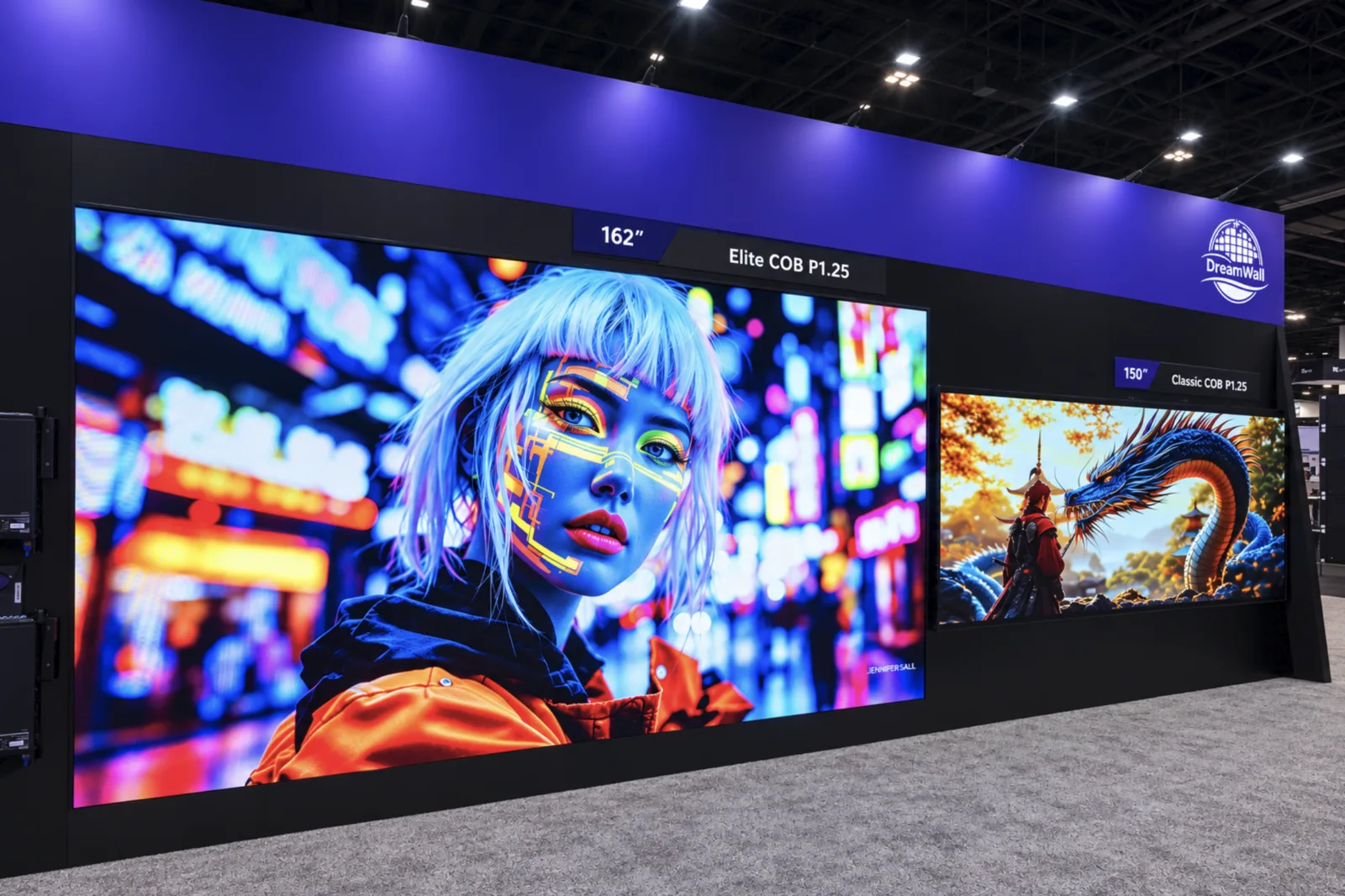
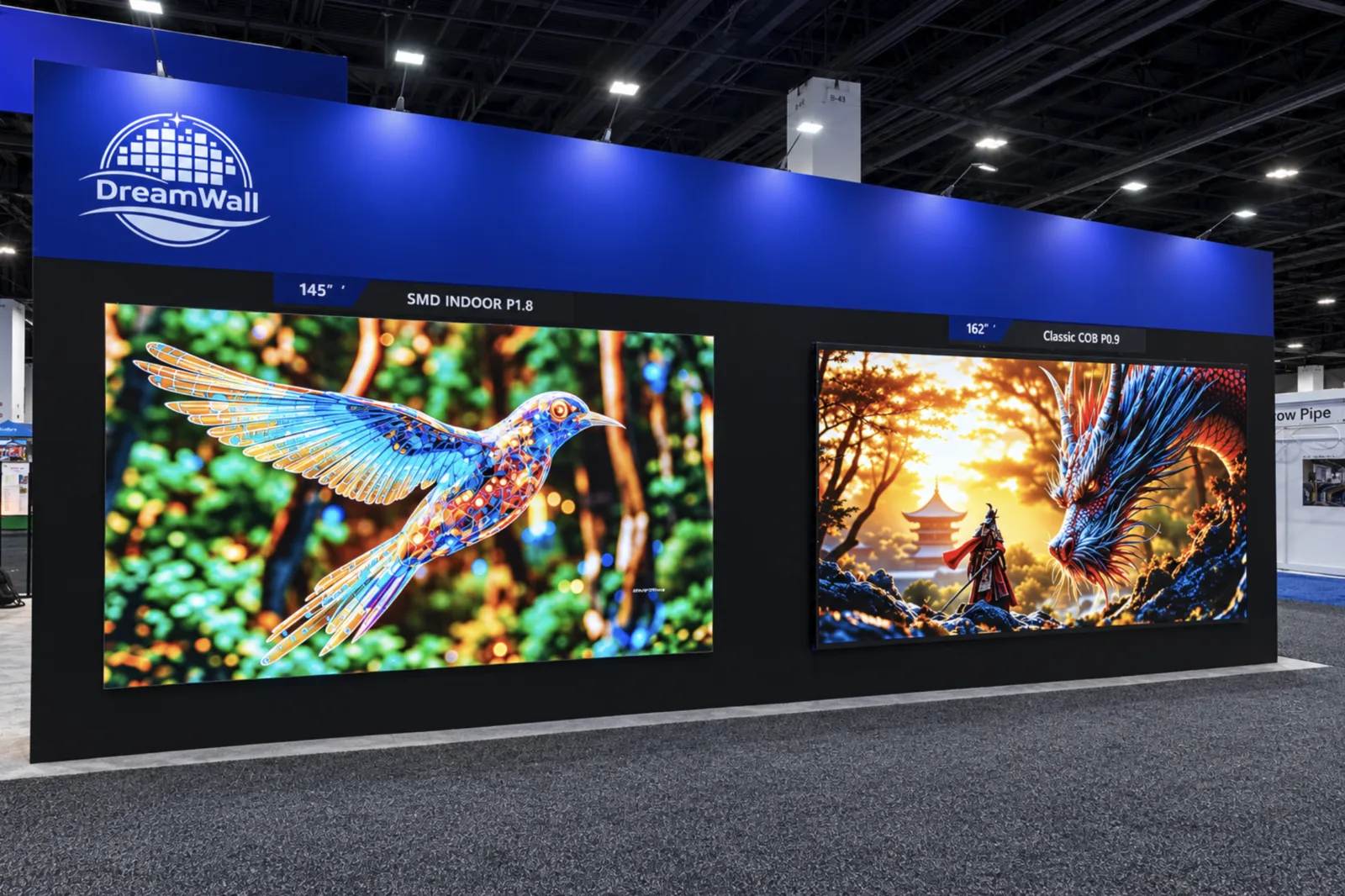
This is where DreamWall takes a different path. Instead of tiling backlit panels, DreamWall's Indoor CooLED line uses COB MicroLED cabinets that join into a single surface with no bezels at all. The image runs edge to edge with no grid, at pixel pitches from P0.78 through P1.875, fine enough for the boardroom and home theater viewing distances where LCD has traditionally held its ground. Because every pixel emits its own light, there is no backlight to age unevenly, and DreamWall rates its displays for more than 100,000 hours of operation, backed by an industry-leading five-year warranty on select products. Walls are built to fit the space rather than a panel grid, with custom sizes engineered, calibrated, and installed by DreamWall's Houston-based team.
The efficiency argument has shifted as well. LCD's long-standing advantage was modest power draw and low heat output. DreamWall's CooLED cabinets average under 28W, with a rated draw of 50W per cabinet, and produce near-zero heat, so the wall adds little load to a room's HVAC system and, according to DreamWall, can operate on a single 20-amp circuit.
Direct-View LED (dvLED) Video Walls
Direct-view LED is where the market has moved. Instead of panels behind a backlight, the LEDs themselves are the picture. Cabinets lock together into a single unbroken surface with no bezels at all.
Direct-view LED is where the market's momentum sits. TrendForce forecasts the global LED video wall market will reach USD 8.1 billion in 2026, with major sporting events, cinema, and all-in-one displays leading the way, and corporate and education installations growing steadily alongside them.
Within dvLED, the key spec is pixel pitch, the distance in millimeters between LED centers. Smaller pitch means more pixels, sharper image, and closer comfortable viewing. A rough rule: your minimum comfortable viewing distance in meters is roughly equal to the pixel pitch number. A P1.5 display looks clean from about 1.5 meters back. A P4 needs four meters or more.
For distributors and integrators, this is where DreamWall earns its place in the channel. DreamWall's Indoor CooLED line runs from P0.78 through P1.875, which gives partners a single portfolio that covers everything from an executive boardroom, where viewers sit less than a meter from the screen, to a lobby wall seen from across the atrium. Every display is built on COB MicroLED technology and rated for more than 100,000 hours, so partners can quote with confidence in long-term performance. DreamWall does not compete against its dealers. Partners keep the client relationship, win on a wall specified for the actual space, and avoid the margin-eroding callbacks that follow a mismatched install.
COB Fine Pitch LED
Chip-on-board is the newest evolution and it matters more than the acronym suggests. Traditional LED packages each diode individually, then mounts it. COB bonds the diodes directly to the board and seals them under a protective resin layer.
The practical result is a screen you can touch. It resists impact, moisture, and dust in a way older LED simply cannot. TrendForce estimates COB held 25 to 30 percent market share across 2024 to 2025 and notes it can improve color uniformity, contrast, and viewing angles.
For distributors and integrators, COB is where the category is heading, and DreamWall already builds its entire indoor line on it. The Indoor CooLED range runs from P0.78 through P1.875, with a 30,000:1 contrast ratio and a 3840Hz refresh rate that keeps broadcast cameras from picking up scan lines.
Rear-Projection Cubes
The old guard. Rear-projection cubes stack modular boxes that project from behind onto a screen face. They still show up in 24/7 control rooms because they run cool and reliably for years.
They are also bulky, dim compared to LED, and need significant depth behind the wall. Most new installations skip them.
The qualities that kept operators loyal to rear projection, cool operation and long-term reliability, are exactly where DreamWall's COB MicroLED cabinets compete. DreamWall rates its displays for more than 100,000 hours. Each cabinet draws just 50W and generates near-zero heat, so the new wall adds little load to rooms where cooling is already critical, and according to DreamWall it can run on a single 20-amp circuit. Replacing deep projection cubes with a far slimmer LED wall can also give back floor space that clients have been giving up for years, while delivering a seamless, far brighter image.
Indoor vs Outdoor: The Split That Actually Drives Cost
Here is the distinction that surprises people. Indoor and outdoor are not just brightness settings. They are different products.
An indoor display optimizes for contrast and efficiency in controlled light. DreamWall's video wall displays for interiors run 600 to 2,500 nits and average under 28W per cabinet.
An outdoor display fights the sun and the weather. Put an indoor panel outside and it washes out by 10 a.m. and fails by the first storm. DreamWall's video wall displays for exteriors push 4,000 nits, carry an IP65 rating against dust and water jets, and operate from -4°F to 120°F. That environmental hardening, not the LEDs, is where much of the cost premium sits.
Comparing the Options
| Type | Seams | Brightness | Best For | Watch Out For |
|---|---|---|---|---|
| LCD | Visible bezels | Moderate | Control rooms, budget builds | Grid lines ruin brand imagery |
| dvLED | None | High | Lobbies, retail, arenas | Pixel pitch must match viewing distance |
| COB fine pitch | None | High | Boardrooms, broadcast, premium | Higher upfront cost |
| Rear projection | Faint seams | Low | Legacy 24/7 control rooms | Depth requirements, dated |
All-in-One and Portable Video Walls
There is a fifth category worth knowing: the all-in-one LED display. These arrive as a single finished unit rather than a kit of cabinets, and they are reshaping the corporate market.
The reason comes down to what a traditional LED wall asks of its owner. A cabinet-based wall is a construction project. Someone has to engineer the mounting structure, run power and data to each cabinet, align the seams, install a separate video processor, and calibrate the finished surface so every cabinet matches its neighbors. That work is invisible once the wall is up, but it drives the cost, the timeline, and the number of specialists involved. An all-in-one display does that work at the factory. The structure, processing, and calibration ship inside the unit, so the buyer plugs in a laptop and presents.
DreamWall's video wall displays in the Monarch line sit squarely in this category. Monarch ships in 108-inch, 136-inch, and 162-inch sizes, folds for transport, includes an electric lift, and one person can set it up in about three minutes. For agencies, event teams, and executive briefing centers that move a screen more than once, that changes the math entirely.
How to Choose Without Guessing
Four questions, answered in order, narrow the field quickly. Once you have these four answers, dozens of options usually come down to two or three real contenders.
Where will the wall live? Indoors, outdoors, or somewhere in between, such as a covered patio or a glass-fronted lobby. The answer settles the product family before anything else, because indoor and outdoor displays are built differently.
How close will viewers be? Measure from the wall to the nearest spot where people regularly stand or sit. That distance sets the largest pixel pitch you can use before the image starts to look grainy.
How bright is the space? A sunlit atrium needs far more brightness than a dimly lit control room, so match the display's nit rating to the room's ambient light.
Will it need to move? If the screen will travel between rooms, venues, or events, a foldable all-in-one unit will serve you better than a fixed cabinet installation.
The video wall market is not really a spectrum of slightly different screens. It is a handful of distinct technologies solving different problems. LCD for tiled data. Rear projection for legacy control rooms. dvLED for anything that needs to look like one image. COB for the premium end where durability and contrast matter. All-in-one for teams that need the wall to travel.
Match the technology to the environment and the viewing distance, and the rest of the decision gets much easier.
Still not sure which category fits your space? Contact us today and DreamWall's team will walk through the room specs with you.
Frequently Asked Questions
What types of video wall displays are there?
There are five main types. LCD video walls are the cheapest, but you can see thin lines where the panels meet. Direct-view LED (dvLED) and COB fine-pitch LED walls show one smooth image with no lines. Rear-projection cubes are an older technology still found in some control rooms. All-in-one LED displays come as a single ready-made unit that is easy to move and quick to set up.
How are indoor and outdoor video walls different?
They are built as different products. It is not the same screen with the brightness turned up. Indoor displays are designed for sharp contrast and low power use in controlled lighting. DreamWall's indoor models, for example, run between 600 and 2,500 nits of brightness. Outdoor displays have to compete with direct sunlight and bad weather, so they are much brighter. DreamWall's outdoor models reach 4,000 nits. They are also sealed against dust and water (rated IP65) and built to work in temperatures from -4°F to 120°F.
What pixel pitch do I need?
Pixel pitch is the distance between the tiny lights on the screen. A smaller number means a sharper image up close. A simple rule of thumb: the pitch number is roughly the closest distance, in meters, that someone can stand and still see a clean image. A P1.5 screen looks sharp from about 1.5 meters away, while a P4 screen needs about four meters. Rooms where people sit close to the screen, such as boardrooms, usually need a pitch below P2.
What is COB LED?
COB stands for "chip-on-board." Standard LED screens package each light separately and then attach it to the board. COB attaches the lights directly to the board and covers them with a protective coating. The result is a tougher surface that holds up better against bumps, dust, and moisture. According to industry analysts at TrendForce, it can also improve color consistency, contrast, and how well the image looks from an angle.
How long do commercial video walls last?
According to ENERGY STAR, commercial displays built to run around the clock may last up to 100,000 hours. Consumer-grade screens last around 50,000 hours. That gap matters: a cheaper screen that wears out in half the time can end up costing more in the long run.